Question
What is the new GSI Video Otoscope, and how is it integrated with GSI Suite?
Answer
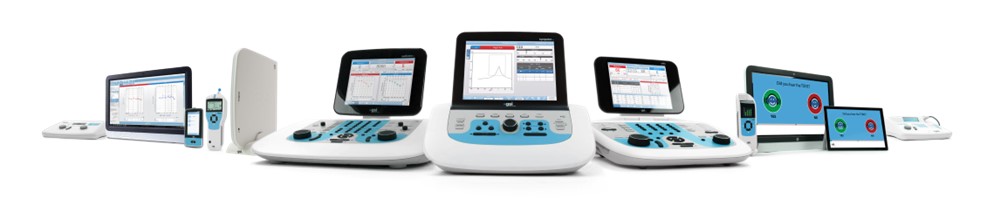
The GSI Video Otoscope is a portable, USB-powered device that integrates with GSI Suite™ version 2.9 or higher. A dedicated video otoscope module in GSI Suite allows users to combine otoscopic images with audiologic reports for a comprehensive view of the ear.
How do you operate the GSI Video Otoscope?
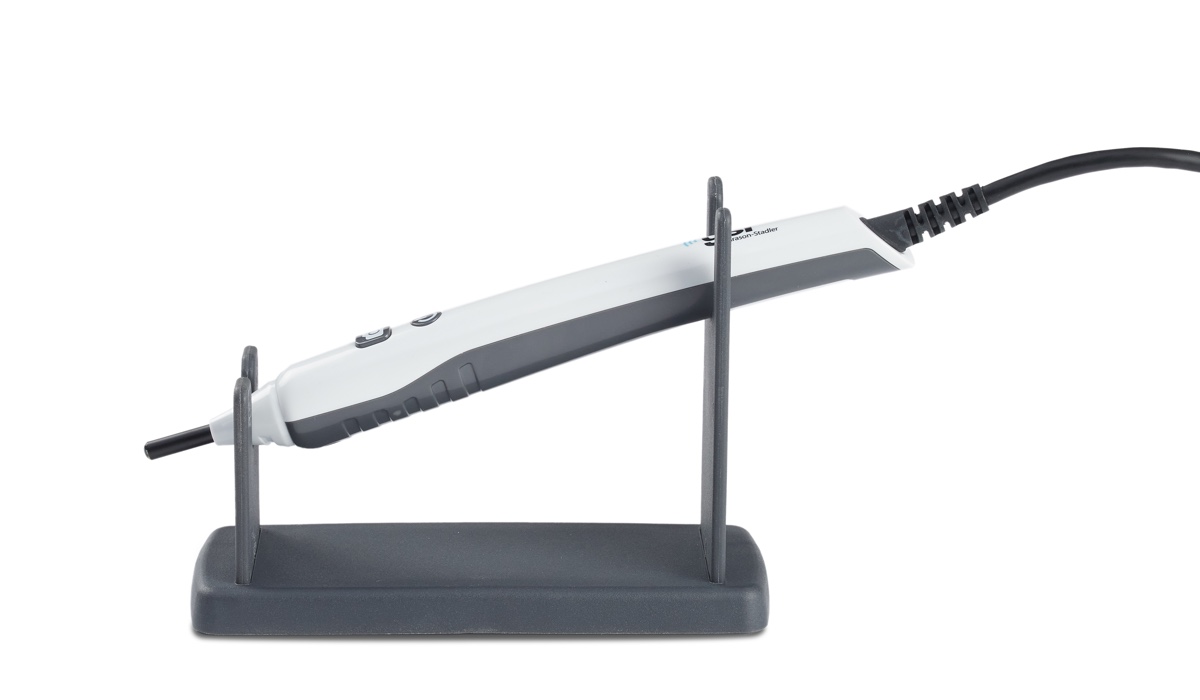
After plugging in the otoscope and launching GSI Suite, use one button to turn on the camera and another to capture images. It’s compatible with Heine disposable specula used in audiology. Once the otoscope is connected, images can be captured and viewed in the otoscopy module. You can assign images to the right or left ear and annotate them before saving.
How many images can be captured per session?
Up to 24 images can be captured and stored per session. Remember, images remain in memory temporarily; if the window is closed before saving, the images will be lost.
Can you use other cameras with GSI Suite?
Yes, you can assign a secondary camera (e.g., integrated webcam) to capture facial images or other views, which can be added to the patient file.
How do you save and organize images in GSI Suite?
Images are drag-and-drop assignable to specific ear sections (e.g., canal, outer ear). You can annotate them and save the session, which creates a new entry in the patient’s record. Saved images can be incorporated into standard audiology reports using GSI Suite’s flexible template editor.
To learn more about the GSI Video Otoscope, click here.
Continued and its subsidiaries provide professional education authored by qualified Subject Matter Experts for continuing education purposes. These materials are intended for educational purposes and do not constitute medical advice or a substitute for individual clinical judgment. Continued is not a clinical healthcare provider; the licensed professional is solely responsible for ensuring that the application of any techniques or information presented is within their legal scope of practice and jurisdictional requirements.